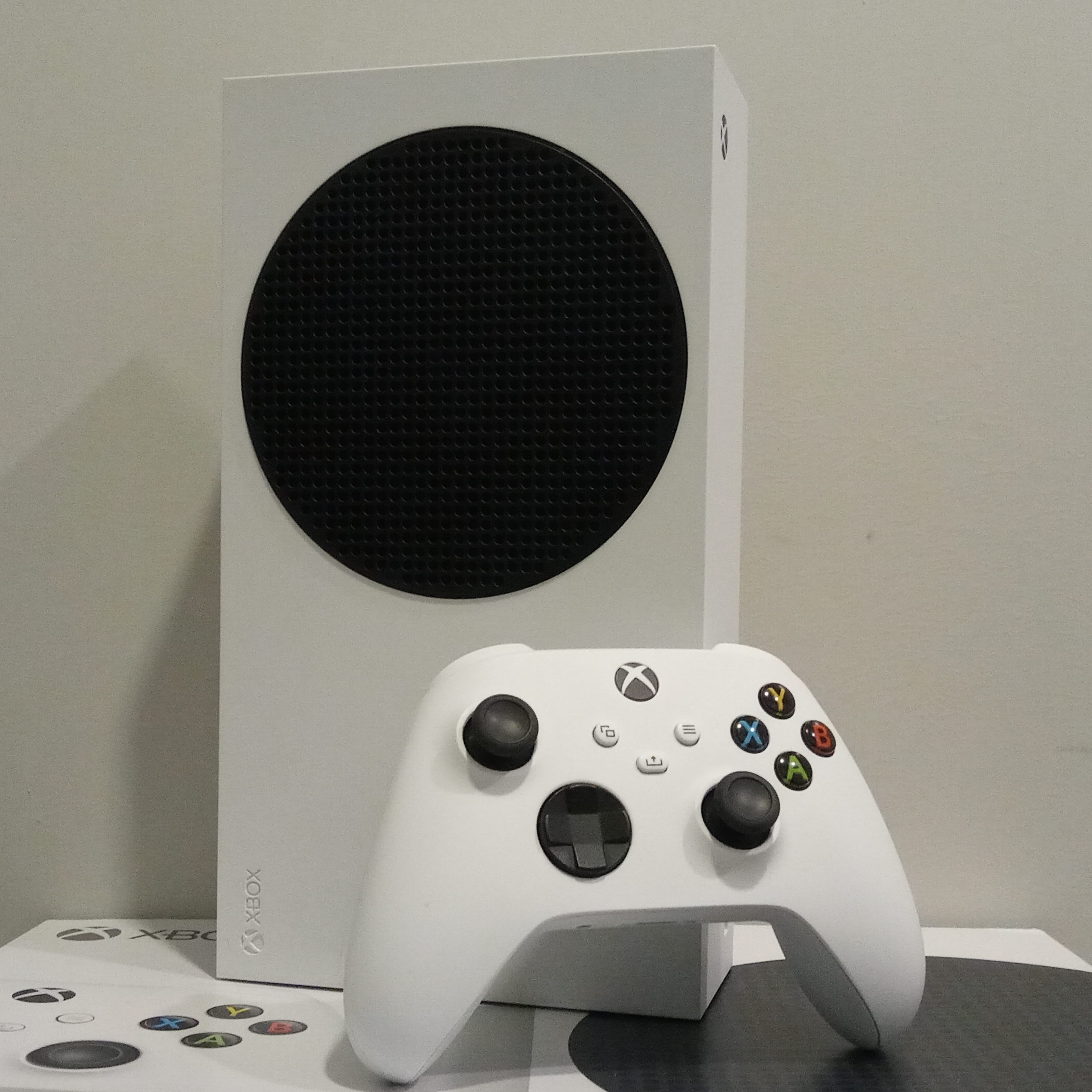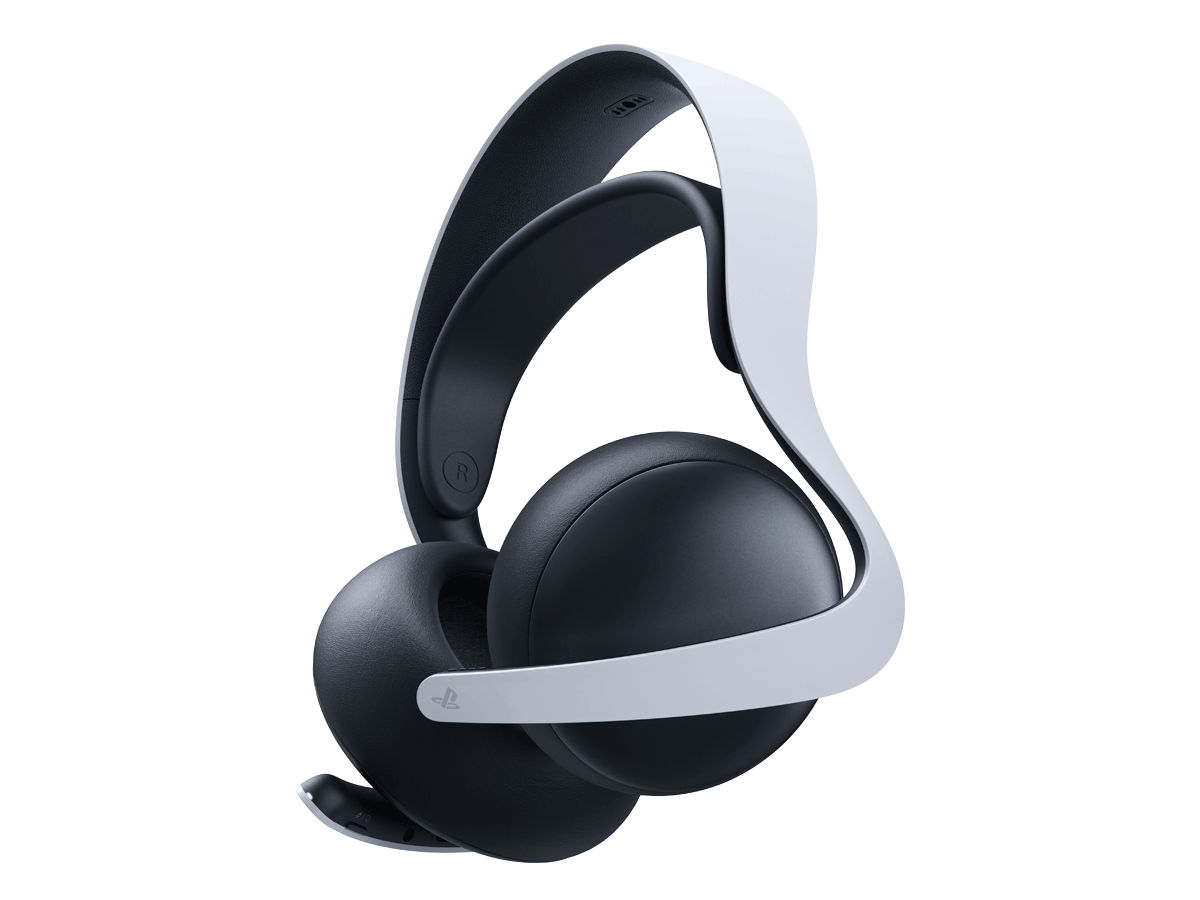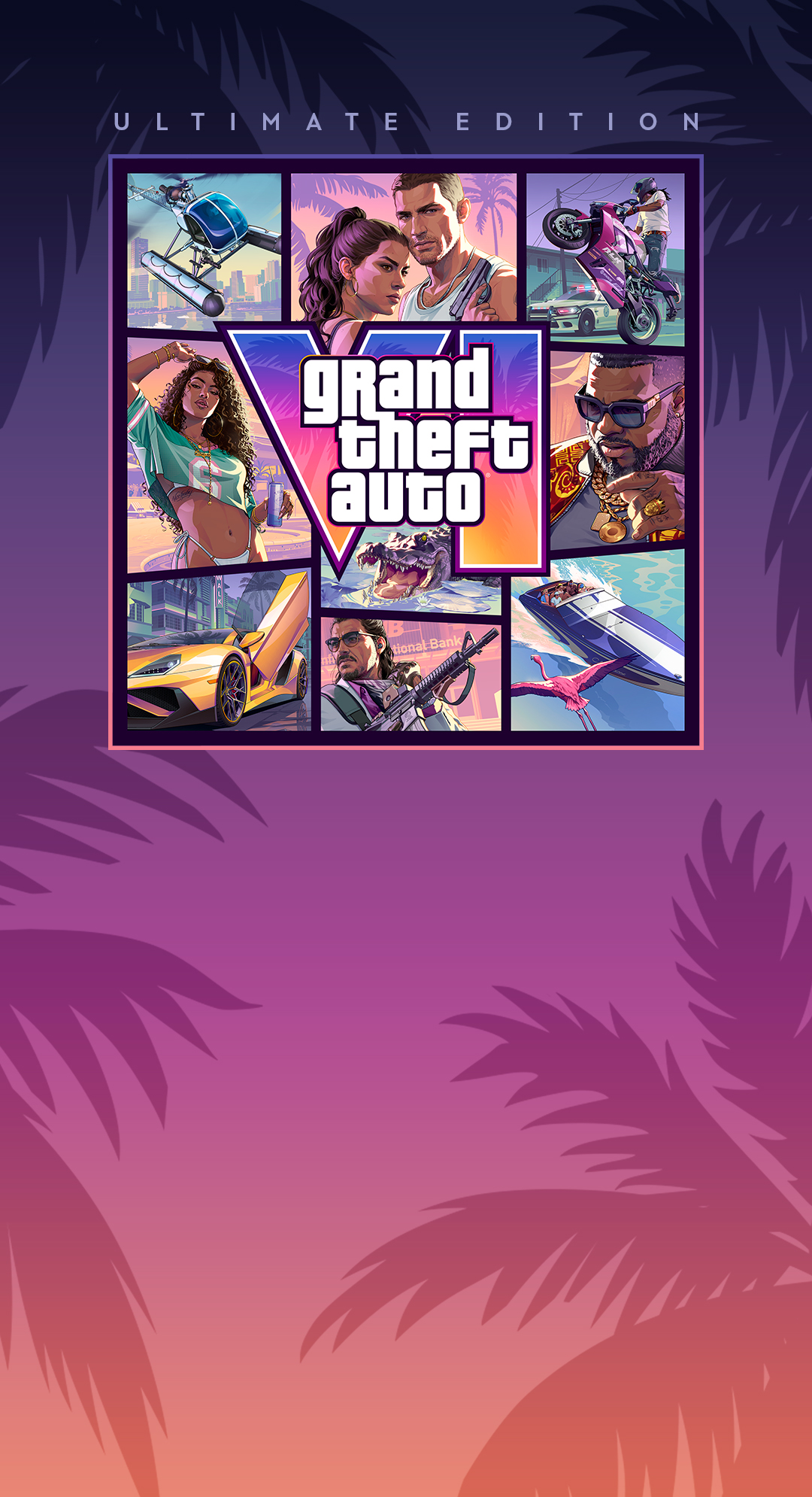
Grand Theft Auto VI ships November 19, 2026, and Rockstar has confirmed exactly two platforms: PS5 and Xbox Series X|S. There's no PC version at launch, and none has been announced — if you were planning to wait for a Steam listing, there's nothing to wait for yet. That narrows the prep list to console hardware, but it doesn't make it trivial. Rockstar's last open-world launch (Red Dead Redemption 2) shipped at around 100GB and grew with patches; GTA VI's map is bigger, denser, and built for current-gen SSD streaming, so treat a triple-digit install size as the baseline assumption, not the worst case. Here's what's actually worth doing to your setup between now and mid-November.
Storage: Make Room Before GTA 6's Preload Hits
This is the part people leave until the week of launch, and it's the part most likely to ruin your day.
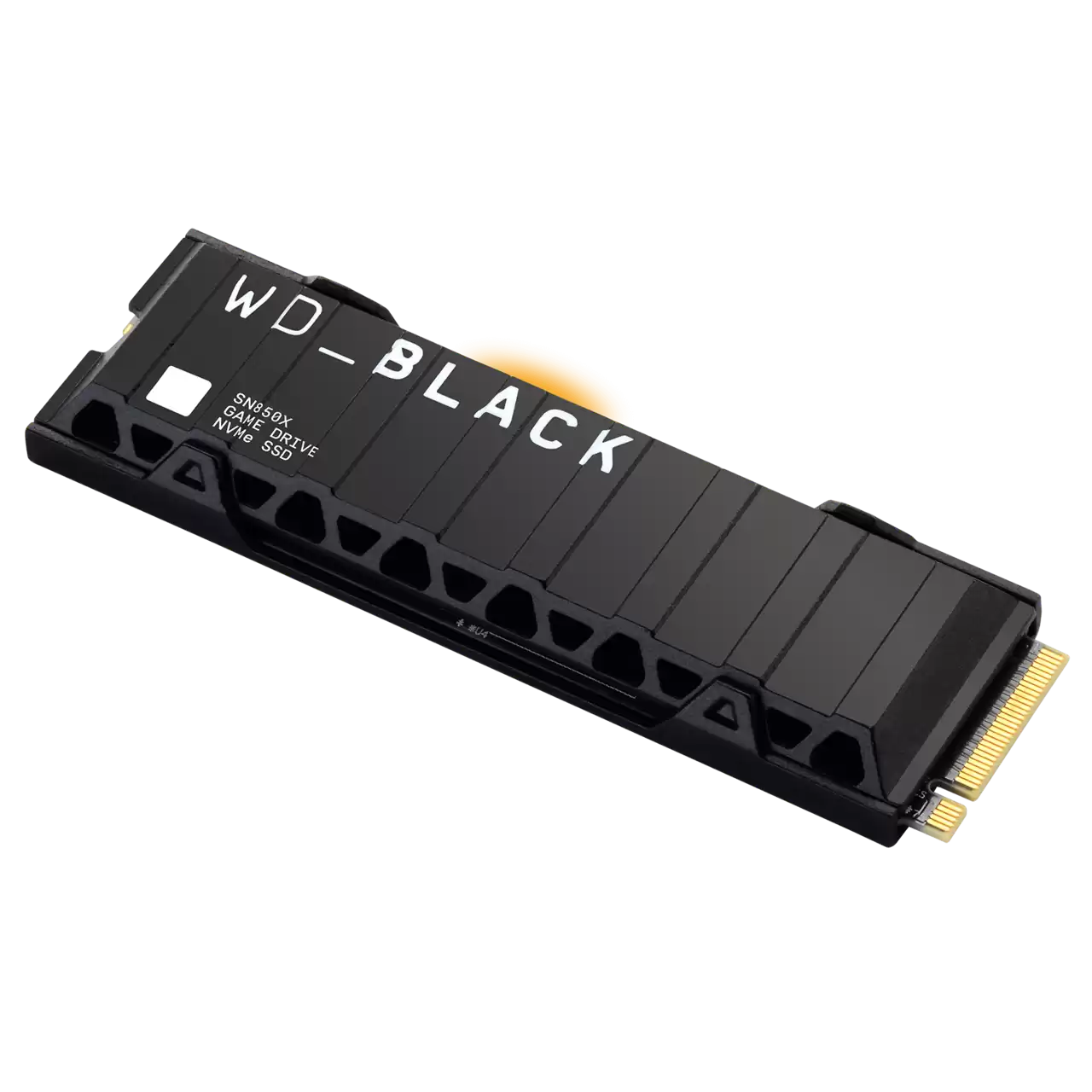
PS5 owners have the easier path. The PS5's expansion bay takes a standard M.2 NVMe SSD, but Sony's spec is specific: PCIe Gen4 x4, sequential reads of 5,500MB/s or faster, M.2 2280 form factor, and — critically — a heatsink. The drive needs one attached, either pre-installed by the manufacturer or bolted on yourself, and it has to fit under a 25mm clearance limit in the expansion bay. A drive like the WD_BLACK SN850X ships in a heatsinked version built for exactly this slot, which is why it's become the default recommendation for PS5 expansion — grab the heatsink model, not the bare drive, and skip the install-and-measure guesswork. A 2TB card gets you real headroom for a Rockstar open-world install plus everything else already on your console.
Xbox Series X|S owners don't have that option. Microsoft's Velocity Architecture ties full-speed game performance to storage that matches the internal SSD's behavior, so Series X|S can't just take any NVMe drive — it needs Microsoft's licensed expansion cards (Seagate makes the official ones, currently up to 2TB) that plug into the dedicated rear port. A standard USB external SSD or HDD will plug into the USB-A port and hold extra games, but Xbox will not run a full-speed "Optimized" title directly off external storage — you'd need to copy it back to internal or expansion-card storage first, which defeats the point during a launch-week crunch. If you're on Series X|S and don't already have an expansion card, that's the one purchase to make now, before card stock gets tight the week of the release.
Either way, the move is the same: check your current free space today, and clear or expand before November, not during it.
Display Check: Don't Let Your Screen Be the Bottleneck
GTA VI's trailers have leaned hard into lighting and weather detail, which means HDR and refresh rate matter more here than on a typical launch.
- HDR: Confirm your TV or monitor actually supports HDR10 (not just accepts an HDR signal without a wide-gamut, high-brightness panel behind it) and that HDR is enabled in your console's video output settings, not just claimed by the display's marketing. A lot of budget TVs advertise "HDR compatible" while doing a flat, washed-out tone-map that makes HDR content look worse than SDR.
- Refresh rate and resolution: Both consoles support 4K output; whether GTA VI offers a performance mode targeting 60fps alongside a fidelity mode is still unconfirmed by Rockstar, but if your display caps at 30/60Hz standard refresh, there's nothing to prep — if it supports 120Hz (PS5/Series X with a compatible cable and port), make sure you're actually running an HDMI 2.1 cable end to end, since a 2.0 cable silently caps your ceiling.
- Audio passthrough: If you're running through a soundbar or AVR, verify HDMI-ARC/eARC is passing through cleanly now, not the night of launch — a cutscene-heavy Rockstar game is a bad first time to discover an audio handshake issue.
Clear Your Queue: Preload Timing and Day-One Patch Reality
Digital preorders for GTA VI opened earlier this year, and preloading for digital buyers is expected to open shortly before release — historically Rockstar has opened preloads a few days to about a week ahead of launch, so keep an eye on PSN/Xbox store listings starting in early November and preload the moment it's available rather than waiting for launch day itself.
Budget bandwidth and time for a day-one patch. Every Rockstar open-world launch (GTA V, RDR2) has shipped with a substantial first patch addressing bugs, server load, and balance — expect the same here, likely tens of gigabytes on top of the base install. If your connection is slow or metered, that's a second reason to preload early: the base game can finish downloading well before launch, leaving only the smaller day-one patch to grab when servers go live.
Practical checklist for the week of November 19:
- Confirm free storage (internal + expansion) covers the install plus a day-one patch buffer.
- Preload as soon as it's available — don't wait for unlock day.
- Test your display's HDR and refresh output ahead of time, not mid-cutscene.
- Expect queues and server hiccups in the first 24–48 hours; this is normal for a Rockstar open-world launch, not a sign anything's wrong with your setup.
None of this is complicated, but it's the difference between playing at midnight and staring at a progress bar. Handle storage and display now — there's nothing else meaningful left to prep until Rockstar actually opens the gates.